![logoAlpaca-1.png]](https://26983596.hs-sites-eu1.com/hs-fs/hubfs/logoAlpaca-1.png?width=135&height=171&name=logoAlpaca-1.png)
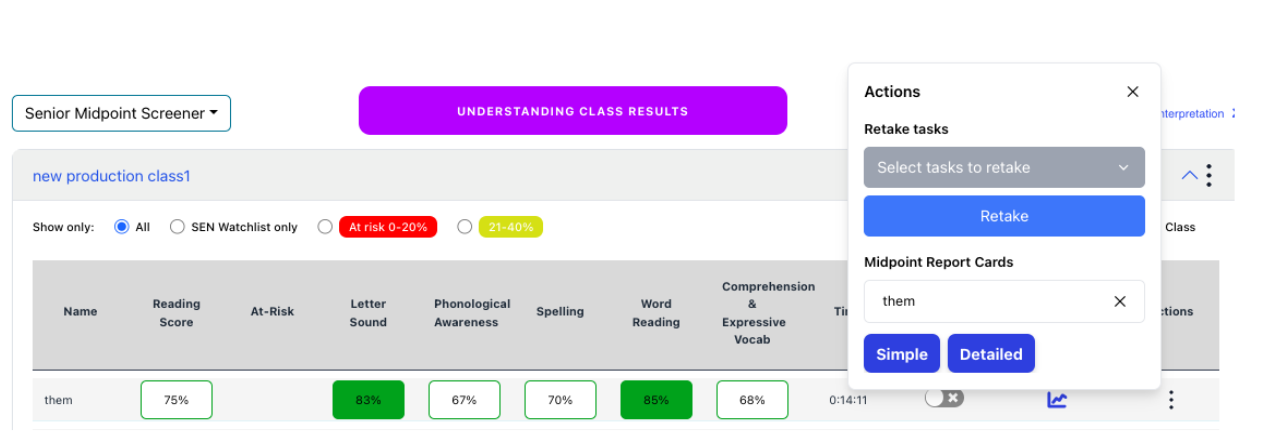
You can reset whole screener or particular task for any child.
When you go to the Results tab and select the relevant class click on the 3 dots under actions for the relevant pupil (please see screenshot below) you can retake whole screener or one task.